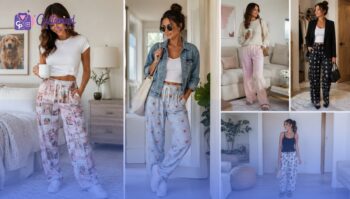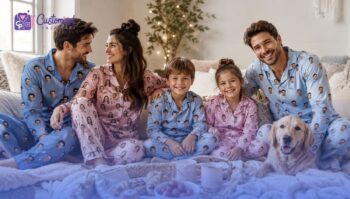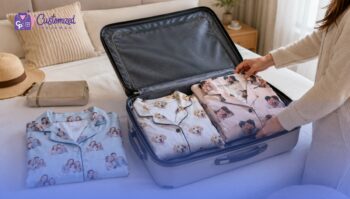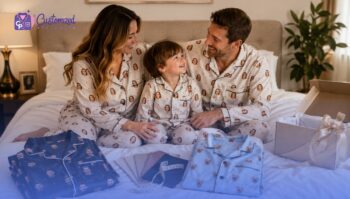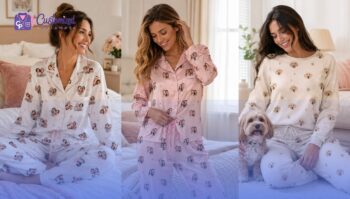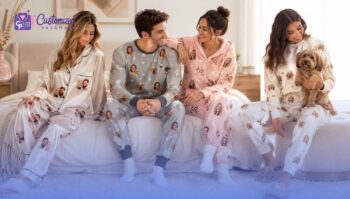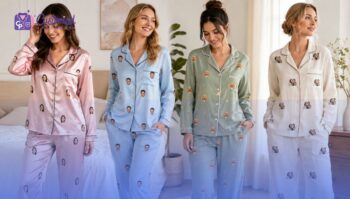
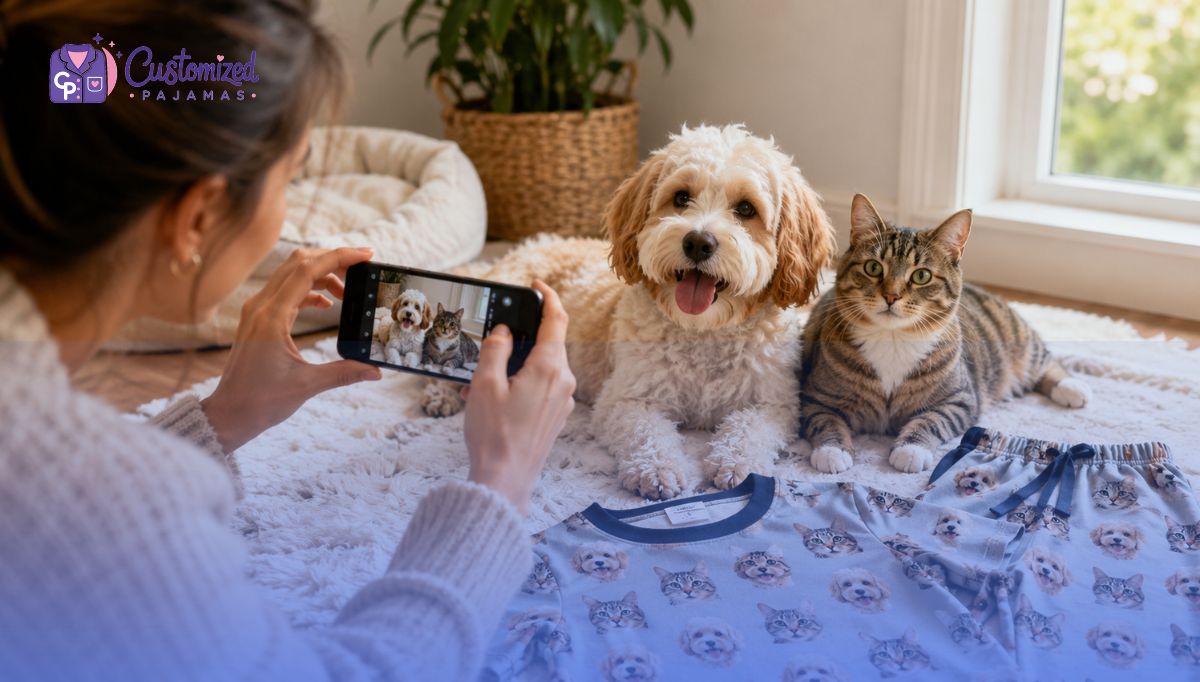
Nothing brings more joy than snuggling up with your furry best friend, but having their adorable face printed on high-quality loungewear takes comfort to a whole new level. To create the ultimate lounge masterpiece, the secret lies entirely in the image you provide. If you want a vibrant, laugh-out-loud, or heart-melting design, you must know how to choose the most beautiful pet photos to design custom face pajamas. Poorly lit, blurry, or cropped photos can ruin the printing process, leaving you with unrecognizable designs. In this comprehensive guide, we will break down the exact photo criteria required to make your personalized apparel look flawlessly vibrant. Read on to discover the ultimate photography tips, common mistakes to avoid, and how to capture your pet’s unique personality for the perfect pair of customized sleepwear.
1. Why the Right Pet Photo Matters for Custom Sleepwear
The quality of your custom sleepwear depends directly on the quality of your uploaded photo. Design software and textile printers replicate the exact details of your digital file, meaning they cannot magically fix pixelation or missing ears.
- High resolution prevents pixelation: Modern fabric printing technology presses ink deep into the fibers. A low-resolution image will stretch, resulting in a blurry, blocky pet face on your pajamas.
- Sharp details preserve unique features: Your pet’s whiskers, eye color gradients, and distinct fur patterns require crisp focus to translate beautifully onto fabric.
- Flawless isolation creates clean cutouts: Professional designers must digitally cut your pet’s head out from the background. Clear boundaries between your pet and the rug or grass make this extraction seamless and clean.
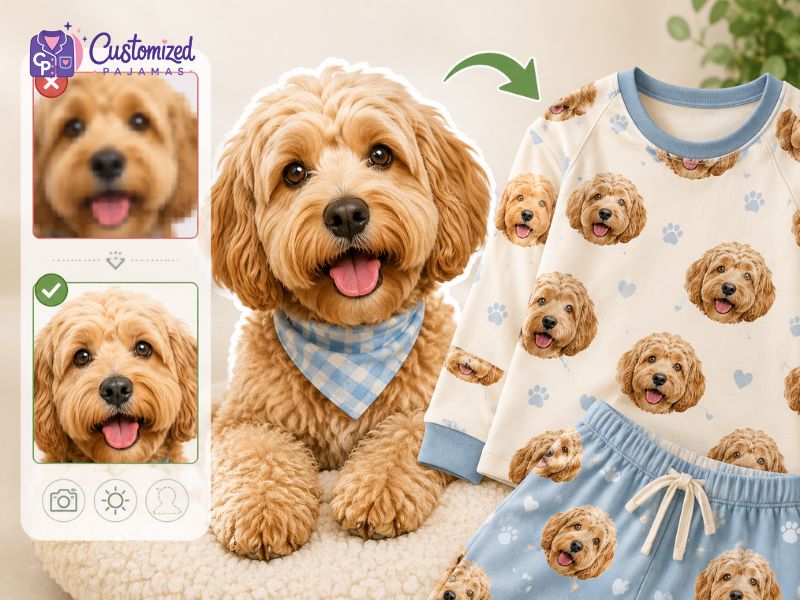
The quality of your custom sleepwear depends directly on the quality of your uploaded photo
2. How To Get The Best Pet Photos For Custom Pajamas
A great pair of custom pet pajamas starts with a great photo. The quality of the image you upload directly affects how accurately your pet’s face, fur details, and unique features can be printed onto the fabric. Fortunately, you don’t need professional photography equipment to capture the perfect picture. By following a few simple photography techniques, you can create a clear, high-resolution image that helps our design team produce the best possible results. Follow the steps below to learn how to take the perfect pet photo for your custom pajamas.
2.1 Step 1: Maximize Natural Light to Reveal Fur Textures
Natural light reveals fine details in pet fur, making it the most important element for high-quality apparel printing. Bright, indirect sunlight exposes the distinct variations in your pet’s coat color without causing harsh shadows or overexposure.
You should position your pet near a large window or take them outdoors during overcast periods to achieve optimal ambient lighting conditions. Direct sunlight often causes squinting and overexposed bright spots, while artificial indoor lighting introduces unwanted yellow or green color casts that compromise print accuracy.
- Optimal Indoors Position: Place your pet 1 meter to 2 meters away from a south-facing window.
- Optimal Outdoors Timing: Schedule your photo session during the early morning hours, late afternoon hours, or on a cloudy day.
- Avoid Camera Flashes: Do not use the built-in camera flash, because flash photography causes red-eye effects, flat dimensions, and startled animal behavior.
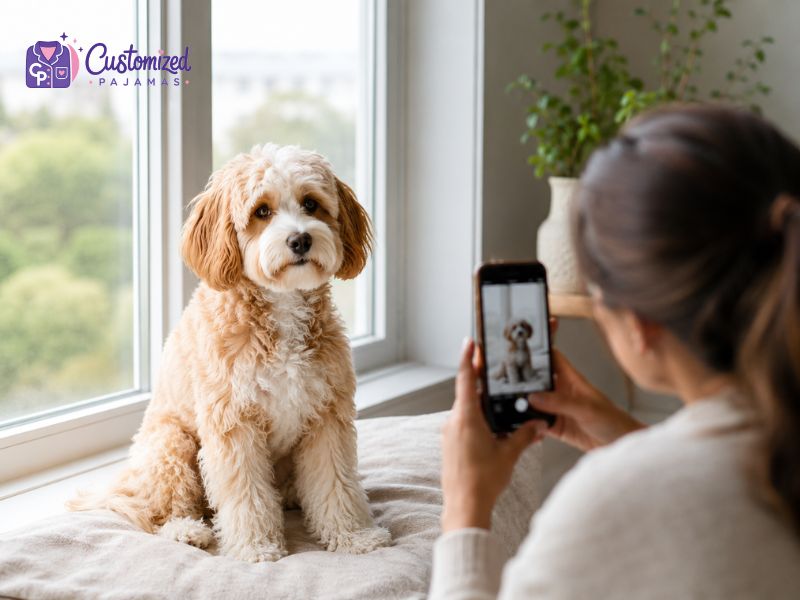
You should position your pet near a large window to achieve optimal ambient lighting conditions
2.2 Step 2: Capture the Perfect Headshot at Eye Level
Shooting from a standing position creates an unnatural downward angle that compresses your pet’s physical proportions. Capturing a clear face portrait requires you to lower your camera position directly to the exact eye level of your pet.
When you position the camera lens at eye level, you capture the true scale, depth, and anatomical features of your pet’s face. This processing angle is critical for the design team at Customized Pajamas, as it allows them to isolate your pet’s head cleanly during the background extraction process.
- Physical Alignment: Crouch, kneel, or lie flat on the ground to match your camera lens with your pet’s horizontal line of sight.
- Focus the Lens: Tap your smartphone screen directly on your pet’s eyes to lock the focus and ensure the sharpest possible facial clarity.
- Facial Positioning: Ensure your pet is looking directly at the camera lens rather than looking sideways or tilting downward.
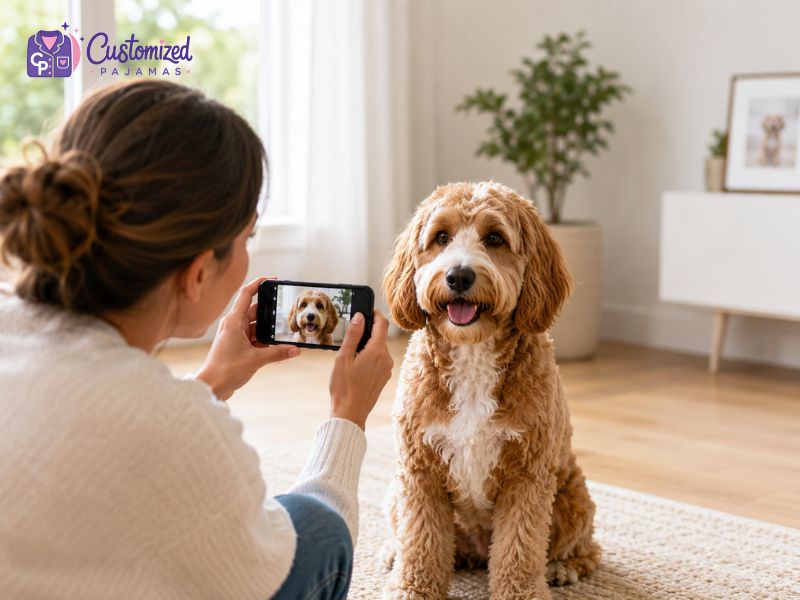
Capturing a clear face portrait requires you to lower your camera position directly to the exact eye level of your pet
2.3 Step 3: Stabilize the Camera to Eliminate Motion Blur
Pets move frequently, which regularly introduces motion blur into casual snapshots. Eliminating blur is essential for fabric printing, as search engine quality guidelines and printing standards prioritize high-density, sharp visual evidence over low-resolution images.
You should secure your camera setup to guarantee crisp details in every shot. If your pet is highly active, adjustments to your device’s internal camera configuration are necessary to capture sharp instances without fractional delays.
- Use Both Hands: Hold your mobile device or DSLR camera with both hands, keeping your elbows tucked firmly against your torso to prevent physical camera shake.
- Activate Burst Mode: Utilize the continuous burst shooting mode on your device to capture multiple sequential images within 1 second, increasing your likelihood of a blur-free shot.
- Increase Shutter Speed: Set your shutter speed to $1/250$ of a second or faster if you are utilizing a manual camera setup to freeze sudden pet movements instantly.
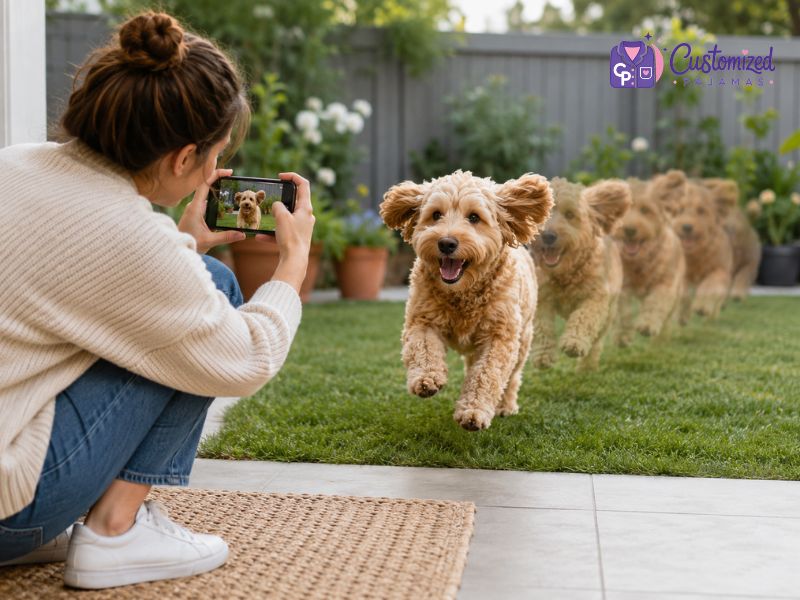
Stabilize the Camera to Eliminate Motion Blur
2.4 Step 4: Use Treats and Toys to Command Full Attention
Capturing an expressive face requires your pet to remain still and engaged with the camera. Using external stimuli like high-value treats or squeaky toys creates natural alertness, resulting in forward-facing ears and bright eyes.
Hold the chosen stimulus directly above the camera lens to guide your pet’s eyes toward the focal point. This precise positioning ensures the final photo captures a engaging portrait suitable for personalized sleepwear pattern replication.
- High-Value Rewards: Choose enticing stimuli, such as freeze-dried liver treats, squeaky tennis balls, or crinkle toys, to hold focus.
- Auditory Alerts: Make a unique, novel sound (such as a whistle or a tongue click) right before triggering the shutter button to capture alert ear positions.
- Keep Sessions Brief: Limit your focused photography attempts to sessions of 3 minutes to 5 minutes to prevent your pet from losing interest or becoming frustrated.
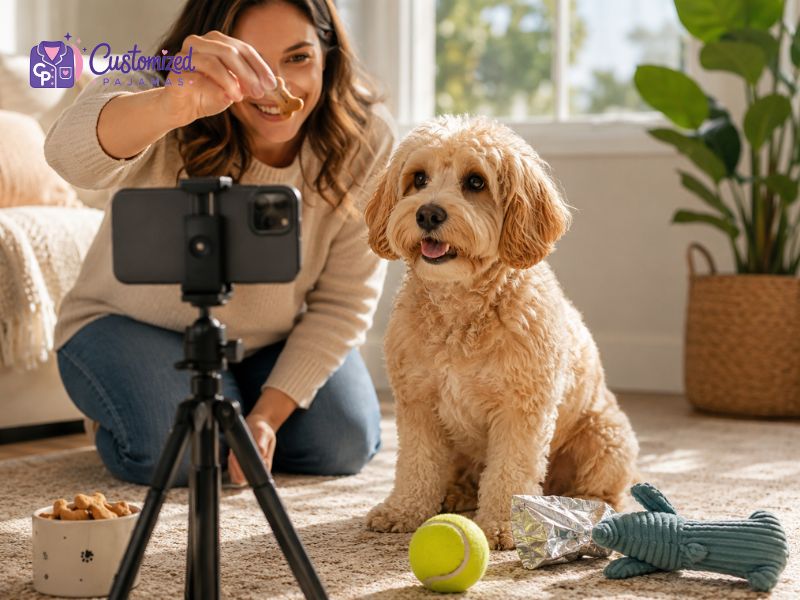
Use Treats and Toys to Command Full Attention
2.5 Step 5: Submit High-Resolution, Original Image Files
File compression significantly lowers image quality, reducing the density of pixels required for large-format textile printing. Submitting uncompressed, original files ensures the production team receives maximum graphic data to work with.
Always export the original photo directly from your camera roll instead of taking screenshots or downloading images from messaging applications. Screenshots alter file specifications, often converting high-definition captures into low-resolution assets that appear blurry when printed on fabric.
| Attribute | Recommended Specification | Minimum Requirement |
| File Format | JPEG, PNG | HEIC |
| File Size | 2 MB to 10 MB | 1 MB |
| Resolution | 3000 x 4000 pixels | 1200 x 1800 pixels |
3. Common Mistakes to Avoid When Choosing Photos
- Using Screenshots: Taking a screenshot of a photo from Instagram or Facebook slashes the file size and resolution by more than half. Always upload the original, raw image file from your camera roll.
- Uploading Drastically Zoomed-In Photos: If you have to zoom in from a photo taken across the yard, the quality will drop significantly. Stand close to your pet instead.
- Using Photos with Intense Filters: Avoid uploading photos heavily modified by social media filters, as they alter natural fur tones and make color matching impossible during fabric printing.
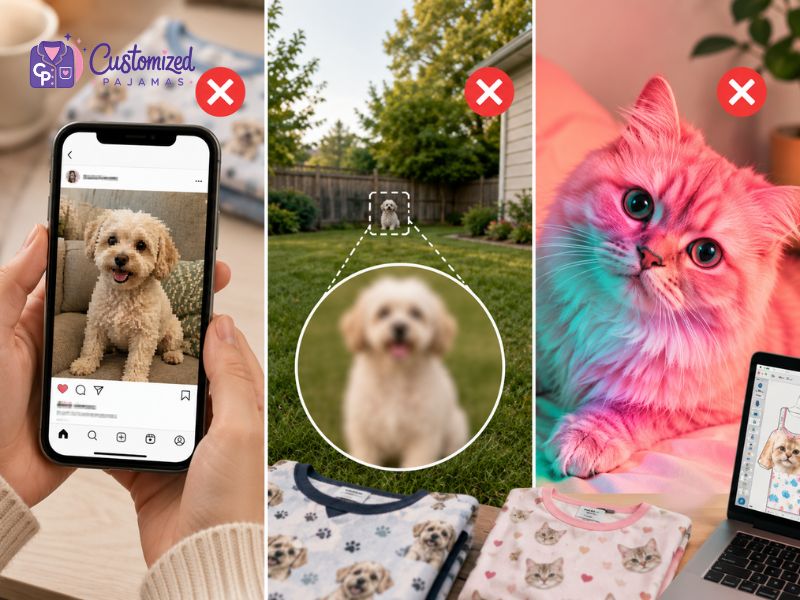
Common Mistakes to Avoid When Choosing Photos
4. What Happens After You Submit Your Photos to Customized Pajamas?
If you are an existing customer who has already submitted your photos to Customized Pajamas, our design team is already hard at work meticulously cropping your pet’s face from the background.
Should our production team notice that your uploaded image suffers from low resolution, harsh shadows, or clipped ears, we will reach out to you immediately via email before printing begins. This ensures you never receive a product that is less than perfect. If you realize you accidentally uploaded the wrong photo or have concerns about an existing order, please contact the Customized Pajamas customer support team right away so we can update your design file seamlessly.
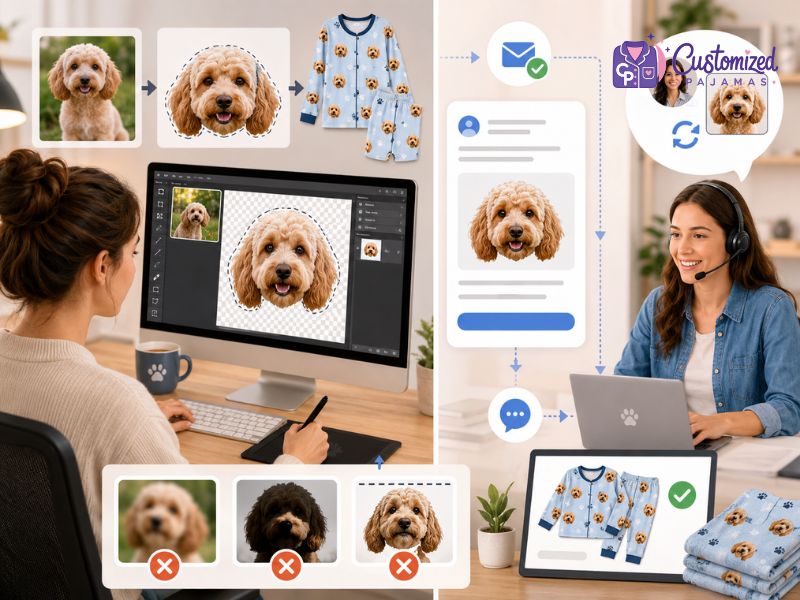
Contact support immediately to update your photo or order details
5. Frequently Asked Questions (FAQs)
5.1 Can I submit a photo where my pet is wearing accessories?
You can submit photos with accessories if the items do not obscure the primary features of your pet’s face. If your pet wears a collar, bandana, or small bow, ensure it sits flat and does not cast dark shadows across their neck or jawline.
5.2 What should I do if my pet has dark or black fur?
Capturing dark fur requires increased indirect light to distinguish facial dimensions. You should position black-furred pets against a light, neutral background outdoors during an overcast day to reveal the natural highlights and shadows within their coat texture.
5.3 Should I crop the background out of the photo before ordering?
No, you should leave the original background intact when submitting your photo file to Customized Pajamas. The internal design specialists utilize professional software tools to isolate your pet’s face precisely, and cropping beforehand can inadvertently lower the overall file resolution.
5.4 Where can I preview or order these custom products?
Once you have captured the perfect shot, you can explore our complete collections to start creating your design. If you want to put any animal companion on your sleepwear, you can view our general pajamas with pet face collection. For specific options tailored to your favorite companions, check out our dedicated pages for pajamas with dog face and pajamas with cat face.
Learning how to get the best pet photos for custom pajamas comes down to five fundamental habits: finding soft natural light, dropping down to eye level, locking your focus, using treats for engagement, and uploading the highest resolution file possible. Taking an extra two minutes to set up the perfect shot guarantees that your finished personalized sleepwear will feature a crisp, adorable, and perfectly detailed print of your beloved companion.
If you already have a collection of photos and feel uncertain about their print viability, please reach out to the Customized Pajamas support team today for expert image evaluation and value-added care.